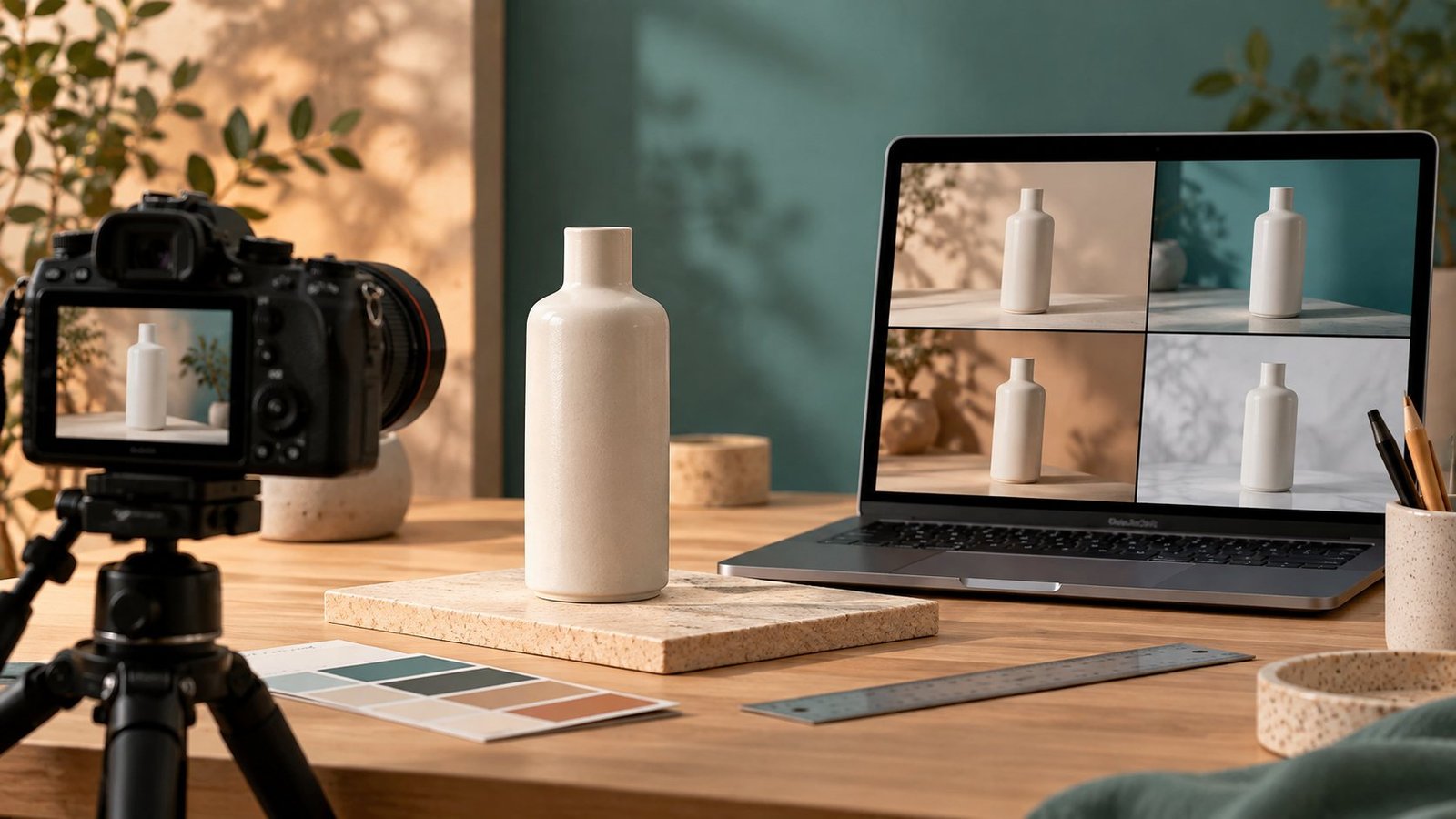
AI image tools can produce appealing concepts quickly, but a product image must still represent what a customer will receive. Test tools against that standard before publishing an image.
Prepare a controlled test
Choose one product with clear reference photos, its real dimensions, color, materials, and any visible branding. Ask each tool for the same scene and output size. Keep the original product photograph available for comparison.
Check the product, not just the background
- Does the generated image preserve the real shape, label, color, and number of parts?
- Are edges, reflections, shadows, and hands physically plausible?
- Is text on packaging readable and accurate?
- Would a buyer infer a feature or accessory that does not exist?
Review usage rights and disclosure
Check the tool provider’s current commercial-use terms for your plan, including any restrictions on uploaded references. Follow the rules of the marketplace or advertising channel where the image will appear. If an image depicts a product inaccurately, revise it or use an authentic product photograph instead.
Compare the full workflow
Record prompt attempts, editing time, image resolution, export options, and the cost per usable result. A tool that generates ten attractive images but none that represent the item accurately is a poor choice for a product listing.
Where to use generated visuals
Generated scenes may help with mood boards, concept exploration, and editorial illustrations. For a live listing, keep the physical product and its features truthful. When in doubt, put a real photo first and use stylized imagery only where it cannot confuse buyers.
Worked example: one product, two image outputs
Imagine a seller photographs a plain ceramic bottle. One generated scene keeps the bottle’s silhouette and finish but changes the background. A second adds a handle and an extra accessory. The second scene may look more compelling, but it inaccurately depicts the item for sale. Record it as a failed output rather than an image that only needs polishing.
A repeatable acceptance sheet
- Product fidelity: compare shape, color, surface, label, and included parts with the reference photo.
- Scene integrity: check shadows, reflections, hands, scale, and object boundaries.
- Listing clarity: ask whether a buyer could infer a feature that is not included.
- Rights: verify current tool terms and the marketplace’s image requirements.
- Economics: divide total testing and editing cost by the number of usable images.
Keep the original product photograph and a dated record of the outputs you accepted or rejected. This makes later corrections easier when a product changes.
If you are comparing several services, use the small-business AI tool decision sheet to evaluate the full workflow, not only image quality.
Response
[…] visual work, use How to Evaluate AI Image Tools for Product Photos to test whether generated scenes still represent the actual item. The aim is a dependable workflow, […]