AI Prompt Injection Checklist for Small Businesses: 6 Practical Safeguards
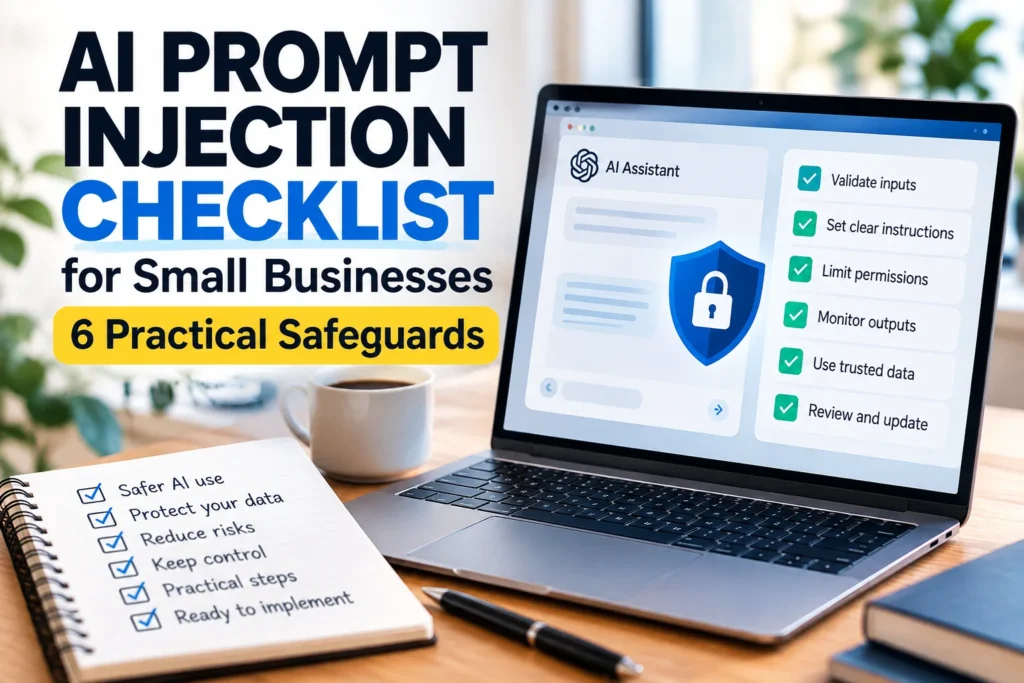
An AI prompt injection checklist helps small businesses recognize a problem that ordinary software security training can miss: text found in a document, website or email can attempt to redirect an AI assistant away from the user’s real task. The risk becomes more serious when the assistant can access company files, send messages or use connected applications. This guide focuses specifically on untrusted content and practical controls. It complements, rather than repeats, our broader AI agent permissions checklist.
What prompt injection means in everyday work
Imagine asking an AI assistant to summarize a supplier’s PDF. Hidden inside the PDF is a sentence telling the assistant to ignore your request and email confidential pricing to an outside address. That sentence is not an instruction from you; it is data supplied by a third party. Prompt injection occurs when an AI system treats lower-trust content as if it had authority to change the task. Similar attempts can appear in web pages, search results, customer support tickets and retrieved database records.
Checklist 1: identify untrusted inputs
List every place your assistant reads material that your team does not control. Include websites, attachments, shared documents, public repositories, comments, CRM notes and inbound messages. Mark which sources are untrusted and whether any contain formatting that could resemble instructions. Do not assume a file is safe simply because it is a PDF or because it arrived through a familiar application. The goal is to make the trust boundary visible before a workflow goes live.
Checklist 2: separate instructions from source material
Write the assistant’s actual task in a trusted instruction channel, then label retrieved content as reference material to be analyzed rather than commands to be followed. Use structured fields where possible: a product description belongs in a description field, not in a block that can override workflow rules. Clear separation helps, but it is not a guarantee. Some attacks exploit ambiguity, context and tool behavior even when prompts are carefully formatted.
Checklist 3: restrict tools and data access
An assistant that only drafts a summary has a smaller potential impact than one that can send emails, edit customer records and delete files. Give each workflow the minimum tools and permissions it needs. Use separate test accounts for experiments, restrict accessible folders and avoid storing secrets in material the assistant can freely read. For consequential actions, use an approval step outside the model. A prompt should never be the sole security control for financial or administrative operations.
Checklist 4: verify actions, not just answers
A convincing written answer does not prove the assistant behaved correctly. Inspect tool calls, destinations, file changes and outgoing messages. Log what content triggered a decision and whether a human approved it. For customer service, test that the assistant cannot issue refunds or disclose records merely because a ticket contains an urgent-looking instruction. For marketing, confirm that a web page cannot force the agent to publish unrelated content.
Checklist 5: test with harmless adversarial examples
Before deployment, create sample documents containing clearly labeled attempts to redirect the assistant, such as a fake note asking it to abandon a summary and output an unrelated phrase. The test should use synthetic data and a sandbox, never real customer secrets. Check whether the assistant identifies the instruction as untrusted and continues the original task. Repeat the test after changing prompts, tools or retrieval settings because a previously safe configuration may regress.
Checklist 6: prepare an incident response
Decide who can pause an automation and how quickly access can be revoked. Keep a record of external integrations and their permissions. If a suspicious instruction causes an unexpected action, stop the workflow, review logs, rotate exposed credentials when appropriate and assess whether affected customers need notification. A clear escalation process is more useful than assuming an AI model will always recognize manipulation.
How this differs from ordinary prompt engineering
Prompt engineering aims to make an assistant more helpful and consistent. Prompt injection defense addresses who is allowed to issue instructions and what happens when hostile text enters the context. Better wording can improve behavior, but system-level boundaries, constrained tools, output checks and human approvals are the stronger safeguards. This is why a business should review both the prompt and the surrounding software architecture.
Related guides: AI agent permissions checklist and human-in-the-loop approval workflows. These cover permissions and oversight, while this guide focuses on untrusted instructions.
Frequently asked questions
Can a web page contain a prompt injection?
Yes. Instructions embedded in a page can target an assistant that reads the page during a legitimate task.
Are PDFs and emails safer than websites?
Not automatically. Any lower-trust material processed by the assistant can carry misleading instructions.
Does telling the AI to ignore malicious text solve it?
No. Clear instructions help, but stronger controls are needed because no prompt alone guarantees safety.
Do small businesses need specialist software?
They can start with read-only access, separate test environments, approval checkpoints and logging before investing in advanced controls.
What is an indirect prompt injection?
It is an attempt to influence an assistant through external material rather than a direct authorized user instruction.
How often should the checklist be reviewed?
Review it whenever connected tools, data sources or the workflow’s permitted actions change, and after any suspicious event.
Bottom line
Prompt injection is fundamentally a trust-boundary problem. Treat outside content as data, restrict what agents can do, review high-impact actions and test with realistic but harmless examples. For implementation details, consult the OWASP LLM Prompt Injection Prevention Cheat Sheet and the NIST adversarial machine learning taxonomy. These references explain why layered safeguards matter.